How to Fix Common Activation Issues with Descuentos Roamic eSIM
11/7/2026
Troubleshooting Common Activation Issues with Descuentos Roamic eSIM Vouchers
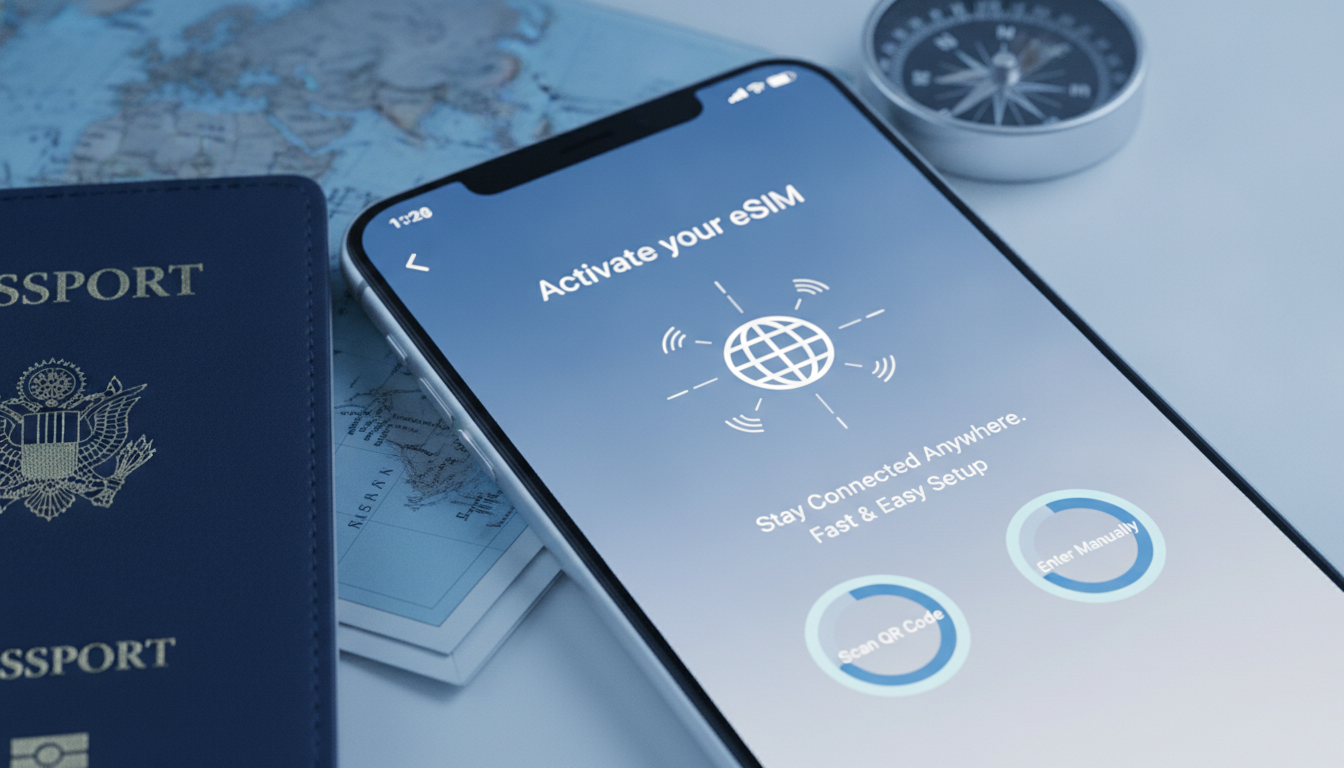
When redeeming descuentos Roamic discount codes for travel eSIM data plans, activation hiccups can quickly turn a promising deal into a frustrating experience. I always start by pinpointing the exact step where the process stalls because the root causes vary widely—from voucher code errors to device compatibility issues.
Here’s a practical guide to help you navigate and resolve the most frequent activation problems so you can enjoy your Roamic travel data without delay.
Why Your Descuentos Roamic Code Might Not Activate
Incorrect or Expired Discount Codes
One of the most common reasons a descuentos Roamic voucher fails is due to an invalid or expired promo code. Roamic discount vouchers often have strict validity periods and usage conditions.
For example, the MYBESTSIM promo code offers a 10% discount on unlimited data plans, but this code must be applied exactly as shown at checkout. Even a minor typo or extra space can cause rejection.
Moreover, some discounts are exclusive to new users or specific regions. If your account doesn’t meet these criteria, the system will refuse the code.
I’d advise against guessing eligibility—always check the terms and conditions on trusted sources like MyBestSim, which tracks verified codes in real time.
Device Compatibility and eSIM Profile Installation Failures
Roamic’s eSIM plans require devices that support eSIM technology and are unlocked for international use. A frequent snag is when users try to activate on phones that either don’t support eSIM or have carrier restrictions blocking profile installation.
The mechanism here is straightforward: if your device’s firmware or carrier settings don’t allow remote provisioning (governed by GSMA specification SGP.22), the eSIM profile download will fail, resulting in error messages like “Activation failed” or “Profile not found.” This is why I always recommend verifying device compatibility before purchasing any eSIM plan.
Network or App Glitches During Activation
Activation requires a stable internet connection to download the eSIM profile securely. Interruptions during this process—such as switching networks, weak Wi-Fi signals, or app crashes—can corrupt the installation.
For instance, if you lose connectivity midway through downloading the profile, your device might show incomplete settings or fail to register on the network. The concrete consequence is that your phone won’t connect to Roamic’s data service despite having purchased a plan.
How to Fix Activation Problems Step by Step
Step 1: Verify Your Discount Code and Account Eligibility
- Double-check the promo code spelling and case sensitivity.
- Confirm that your account qualifies for the discount (new user status, region restrictions).
- Use official sources like MyBestSim to find the best descuentos Roamic offers and their validity.
If you see an error message about invalid codes, try clearing your browser cache or switching devices before reapplying.
Step 2: Confirm Device Compatibility and Settings
- Ensure your smartphone supports eSIM technology (iPhone XS or later, Google Pixel 3 or newer).
- Check that your device is unlocked and updated to the latest OS version.
- Disable any VPNs or firewall apps that might block profile downloads.
I’ve noticed that on some Android models, activating an eSIM requires toggling airplane mode briefly after downloading but before installing the profile. This gesture helps reset network settings and avoids conflicts.
Step 3: Secure a Stable Internet Connection During Activation
- Use a reliable Wi-Fi network with no captive portals or login screens.
- Avoid switching between mobile data and Wi-Fi while downloading the profile.
- If activation fails mid-download, delete any partial profiles from your device settings before retrying.
The sign that this worked is when your phone shows Roamic as an active cellular plan with signal bars indicating network registration.
Common Mistakes That Cause Activation Failures
Overlooking Voucher Validity Periods
Many users assume discount codes last indefinitely. However, Roamic seasonal discounts often expire within weeks or months.
Attempting to apply an outdated voucher results in immediate rejection without clear messaging.
Ignoring Regional Restrictions on Plans
Roamic does not offer all plans worldwide; some data packages are limited to specific countries like Poland, Romania, or Portugal. Trying to activate a plan outside its coverage area leads to silent failures during profile installation.
Skipping Device Updates Before Activation
Older operating system versions may lack necessary security patches for remote SIM provisioning protocols. Without these updates, activation attempts can stall without obvious errors.
Understanding Roamic Discount Codes and Their Validity
Roamic’s discount codes like MYBESTSIM provide a 10% reduction on unlimited travel data plans valid for 7-day durations in countries such as Poland, Romania, United Kingdom, Netherlands, and Portugal. These offers come from verified sources like MyBestSim, which ranks Roamic as a top provider with a 4.9/5 rating.
The validity of these vouchers depends on:
- The purchase date relative to expiration
- User eligibility (new vs returning customers)
- Geographic restrictions tied to each plan
For example, if you buy a 7-day unlimited plan priced at $0.99 in Poland using the promo code correctly before expiry, you’ll pay 10% less instantly at checkout.
Where to Find Reliable Descuentos Roamic Vouchers
Finding trustworthy discount codes can be tricky if you rely on unofficial sites. I recommend starting with well-known platforms that verify offers regularly:
- MyBestSim’s curated list of verified codes for Roamic
- Coupon aggregators like Beruby that track active promotions
- Official Roamic website announcements during seasonal sales
Using these sources helps avoid scams and ensures you don’t waste time on invalid vouchers. For travelers looking beyond Roamic discounts, exploring other providers’ deals through MyBestSim offers competitive alternatives worth considering.
How Cashback and Seasonal Discounts Affect Activation
Roamic occasionally runs cashback promotions alongside descuentos roamic vouchers. While cashback rewards don’t interfere directly with activation steps, they require registering purchases within specified timeframes post-payment.
Seasonal discounts may also trigger higher traffic on activation servers during peak travel periods. This can temporarily slow down profile downloads or cause timeout errors—especially if you attempt activation during local night hours when server maintenance often occurs.
If you encounter persistent delays at this stage, waiting an hour before retrying usually resolves the issue without further intervention.
Additional Tips From My Experience With Travel eSIMs
- When redeeming any travel eSIM voucher—including descuentos roamic—always keep your phone’s battery above 50%. Low power modes can restrict background processes needed for profile installation.
- If you switch between multiple eSIM providers frequently, residual profiles may conflict with new activations. Deleting old profiles manually prevents such clashes.
- Use official apps or websites recommended by providers rather than third-party platforms for activation steps; this reduces chances of corrupted downloads or fraudulent codes.
For travelers heading to destinations like Singapore or Algeria where regional coverage varies widely among providers, comparing offers on trusted sites such as MyBestSim can save both money and hassle.
By understanding these activation pitfalls and applying precise fixes—from verifying voucher validity to ensuring device readiness—you’ll avoid common traps that waste time and money when using descuentos roamic vouchers for travel data plans. The key is knowing exactly where things tend to go wrong so you can act fast and get connected smoothly every time.
FAQ
Why does my descuentos Roamic code fail to activate?
Codes often fail due to typos, expiration, or eligibility restrictions. Ensure your promo code is entered exactly as provided and check if you meet the user or regional requirements before applying it.
How can I check if my device supports Roamic eSIM activation?
Verify that your smartphone supports eSIM technology, is unlocked, and updated to the latest OS. Devices like iPhone XS or newer and Google Pixel 3 or later typically support Roamic eSIMs.
What should I do if activation fails during eSIM profile download?
Make sure you have a stable internet connection without interruptions. Avoid switching networks mid-download and delete any partial profiles before retrying the activation process.
Where can I find reliable descuentos Roamic discount codes?
Trusted sources include MyBestSim’s verified promo lists, coupon aggregators like Beruby, and official Roamic website announcements. These platforms regularly update valid offers to avoid scams.
How do regional restrictions affect Roamic eSIM activation?
Roamic plans are limited to specific countries. Attempting activation outside the plan’s coverage area can cause silent failures, so confirm your travel destination is supported before purchasing.

Emma Rossi
Emma is a travel and consumer-tech writer who hunts down the best deals for getting online abroad. At eSIM Vouchers she tracks verified coupons from the major providers and explains how to redeem them for the lowest price on travel data.