Fix eSIM for Nrj Mobile Activation Problems in 2026
11/21/2026
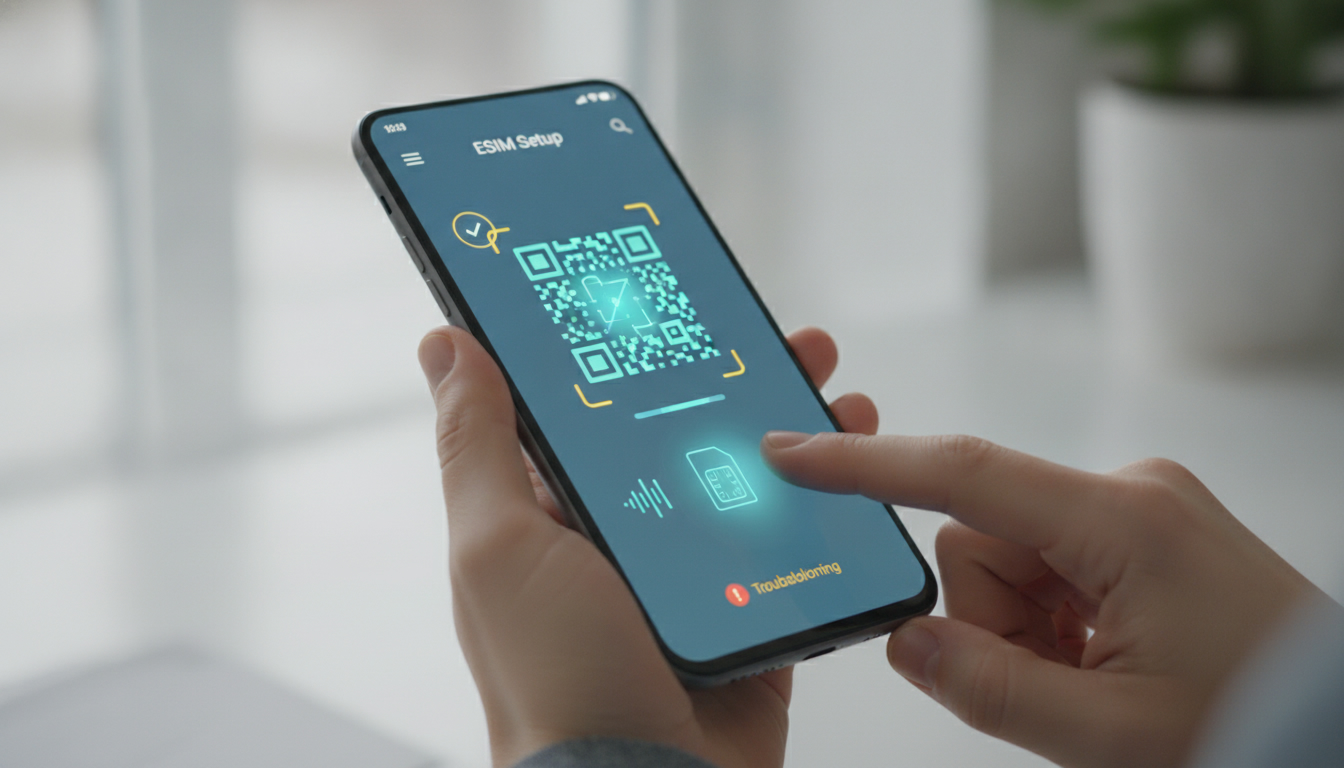
NRJ Mobile eSIM activation is not the same as activating a physical NRJ Mobile SIM: availability depends on the operator’s current rollout and your line, so do not delete your working SIM or reset your phone until NRJ Mobile has issued an eSIM profile. NRJ Mobile’s published SIM-replacement process lists a €10 charge and delivery in 3 to 5 calendar days for a physical card, while eSIM availability has been presented as forthcoming rather than as a universally available option.
| Situation | What NRJ Mobile information indicates | What to do |
|---|---|---|
| Physical SIM replacement | €10, delivered in 3 to 5 calendar days | Order the replacement through NRJ Mobile |
| New line with a new number | Automatic activation may take an average of 8 days | Wait for the activation window and keep the account details |
| eSIM rollout | Mentioned as arriving, but availability can depend on the current order flow | Confirm the eSIM option before paying or changing phones |
| Mobile network | NRJ Mobile advertises 4G/5G plans | Check handset compatibility and coverage after activation |
| Advertised plan range | Public plan information has mentioned 100 GB to 140 GB in France and 32 GB in Europe | Verify the exact plan conditions before ordering |
Check whether the eSIM option is really available
The most common mistake is searching for an “NRJ Mobile activation code” before confirming that NRJ Mobile has generated an eSIM for the line. A QR code cannot activate a profile that has not been issued by the operator.
NRJ Mobile has been associated with an upcoming eSIM launch, including a possible €0 eSIM charge, but that information is not the same as a completed activation for every customer. The order screen, customer area, or support response must explicitly identify an eSIM option.
If the only choice is a physical SIM, ordering a QR code from an unofficial page will not help.
I always start by checking the exact SIM format attached to the order, not just the phone model. A compatible iPhone or Android phone can still fail if the line was provisioned for a physical card.
Confirm the phone before ordering
Check these points in the handset settings:
- The phone must support eSIM hardware, not only 4G or 5G.
- The phone must be unlocked for use with another operator.
- The operating system should be updated before installation.
- The phone must have Wi-Fi or another working internet connection during profile download.
- The device must not already have the maximum number of stored mobile profiles.
For iPhone, Apple’s iOS settings normally expose an “Add eSIM” or “Add Cellular Plan” command when the model supports the feature. For Android, the wording varies by manufacturer; look for SIM manager, Mobile Network, or Add eSIM in Settings.
A phone marketed as “dual SIM” is not automatically eSIM-compatible: some models use two physical SIM cards instead.
Check the account and number transfer
Keeping your current number is normally a separate process from choosing eSIM. Number portability depends on the order and the transfer information, not on whether the SIM is physical or embedded.
Do not cancel the old line manually before the transfer is complete. If the number transfer is scheduled for a later date, the old SIM may remain necessary until that moment.
A new number can follow a different activation process; NRJ Mobile information indicates an average automatic activation period of 8 days for a new line, so instant service should not be assumed.
Fix the QR code and installation failures
An NRJ Mobile eSIM QR code is generally a one-time provisioning credential. The phone reads it, contacts the operator’s activation server, and downloads a mobile profile.
The QR image itself is not the mobile service.
-
Open the correct menu.
On iPhone, use the cellular settings and choose the option to add an eSIM. On Android, open the SIM manager or mobile-network settings. The sign of a correct first step is a request to scan or transfer a mobile plan, not a normal camera preview. -
Use a second screen for the QR code.
If the code is displayed on the same phone, the camera cannot scan it. Display the email or customer-area QR code on a computer or another phone. If the camera recognizes the code but installation stops immediately, the profile may already have been used or the order may not yet be ready. -
Keep Wi-Fi connected.
The QR scan only starts the process. The handset still needs internet access to retrieve the profile. If Wi-Fi drops during download, the line can appear in settings without being usable. Reconnect to stable Wi-Fi, restart the phone, and retry from the eSIM settings rather than repeatedly scanning the same code. -
Do not scan indefinitely.
If the phone reports that the code is invalid, expired, or already used, requesting a new activation code from NRJ Mobile is safer than deleting random profiles. Deleting a partially installed profile may make the original QR code unusable.
I’d advise against factory-resetting the phone at this stage. A reset removes local settings but does not repair an eSIM profile that was never provisioned correctly, and it can erase access to authentication apps or saved network information.
Diagnose “installed but no network”
A profile can be downloaded successfully while the line remains unable to register on the network. These are different stages: installation confirms that the profile reached the phone; network service confirms that the line is active and permitted to connect.
If the eSIM appears but calls fail
Check that the NRJ Mobile line is switched on and selected for mobile data. On a dual-SIM phone, the device may still be assigning data to the old SIM.
Temporarily disable the other line, then restart the phone. The useful sign is a network name or signal indicator appearing for the NRJ Mobile line.
If mobile data works but calls do not, check the default voice line and enable VoLTE if the handset exposes that setting. A plan advertised as 4G/5G does not mean every handset configuration will automatically select the correct voice settings.
If there is no signal at all, move outdoors or near a window before changing advanced settings. A weak indoor signal can look like an activation failure.
Do not manually lock the phone to 5G while troubleshooting; automatic network selection is more reliable during initial registration.
If data works but SMS or calls do not
Restart after the eSIM is selected as the primary line. Then check the telephone number shown in the mobile settings and confirm that the line is not suspended in the NRJ Mobile account.
For a ported number, the old SIM may continue receiving service until the scheduled transfer, while the new profile remains partially configured.
For travel, distinguish the domestic allowance from the European allowance. NRJ Mobile plan descriptions have referred to 32 GB in Europe on some offers, alongside 100 GB to 140 GB in France.
Crossing a border does not turn a failed activation into a roaming problem; first establish that the line registers on the home network.
When to stop retrying and contact NRJ Mobile
Contact NRJ Mobile when one of these conditions applies:
- The order confirms eSIM, but no QR code or installation instruction has arrived.
- The QR code is rejected as used or expired on the first attempt.
- The profile installs, but the line remains without service after a restart and correct line selection.
- The number transfer date has passed and the old number is still inactive.
- The account shows a charge or replacement status that does not match the requested SIM format.
Have the account holder’s details, order number, phone model, IMEI or eSIM identifier, and the exact error message ready. The eSIM identifier is often called EID in the phone settings; it is different from the IMEI and helps support identify the embedded SIM hardware.
For the underlying provisioning model, the relevant industry reference is the GSMA Remote SIM Provisioning Specification SGP.22, which governs consumer eSIM downloads. The standard explains the profile mechanism, but it does not guarantee that every operator has enabled every handset or account type.
If NRJ Mobile eSIM is unavailable for your line and you need travel data immediately, separate that need from your domestic number. A travel eSIM comparison can help evaluate data-only options, while a verified eSIM voucher guide is useful only when the provider, destination, validity, and redemption conditions are clearly shown. MyBestSim is also a practical reference for comparing current travel eSIM offers; do not apply a travel voucher to an NRJ Mobile order unless the checkout explicitly accepts it.
Finally, keep the physical SIM active until the NRJ Mobile line displays service and you have tested both an outgoing call and mobile data. Removing the old card too early can make it impossible to tell whether the problem is number transfer, eSIM provisioning, or simple line selection.
FAQ
Is NRJ Mobile eSIM available for every customer?
Not necessarily. NRJ Mobile eSIM availability may depend on the current rollout, your line, and the order process. Check the customer area or order screen for an explicit eSIM option before paying. If only a physical SIM appears, do not assume a QR code can be generated separately.
How long does NRJ Mobile SIM activation usually take?
A new NRJ Mobile line with a new number may activate automatically in an average of eight days. Physical SIM replacements are listed as arriving within three to five calendar days, with a €10 charge. Ported numbers follow the scheduled transfer date rather than an instant activation timetable.
Why does my NRJ Mobile eSIM QR code fail?
The QR code may be expired, already used, or linked to an order that is not ready. Display it on another screen, keep the phone connected to Wi-Fi, and scan it through the eSIM settings. If the first attempt fails, request a new code instead of repeatedly retrying.
What should I check when eSIM installs without service?
Confirm that the NRJ Mobile profile is enabled and selected for calls and mobile data, especially on a dual-SIM phone. Restart the handset, use automatic network selection, and verify account status. If service still does not appear, check whether number transfer has occurred or contact NRJ Mobile support.
Can I keep my phone number with NRJ Mobile eSIM?
Yes, eSIM selection and number portability are separate parts of the order. Keep the old SIM active until the scheduled transfer finishes and the NRJ Mobile line works. Do not cancel the previous service manually, because doing so can interrupt access before the number moves successfully.

Emma Rossi
Emma is a travel and consumer-tech writer who hunts down the best deals for getting online abroad. At eSIM Vouchers she tracks verified coupons from the major providers and explains how to redeem them for the lowest price on travel data.