Troubleshooting Common Issues with eSIM Io Gift Code Activation
9/1/2026
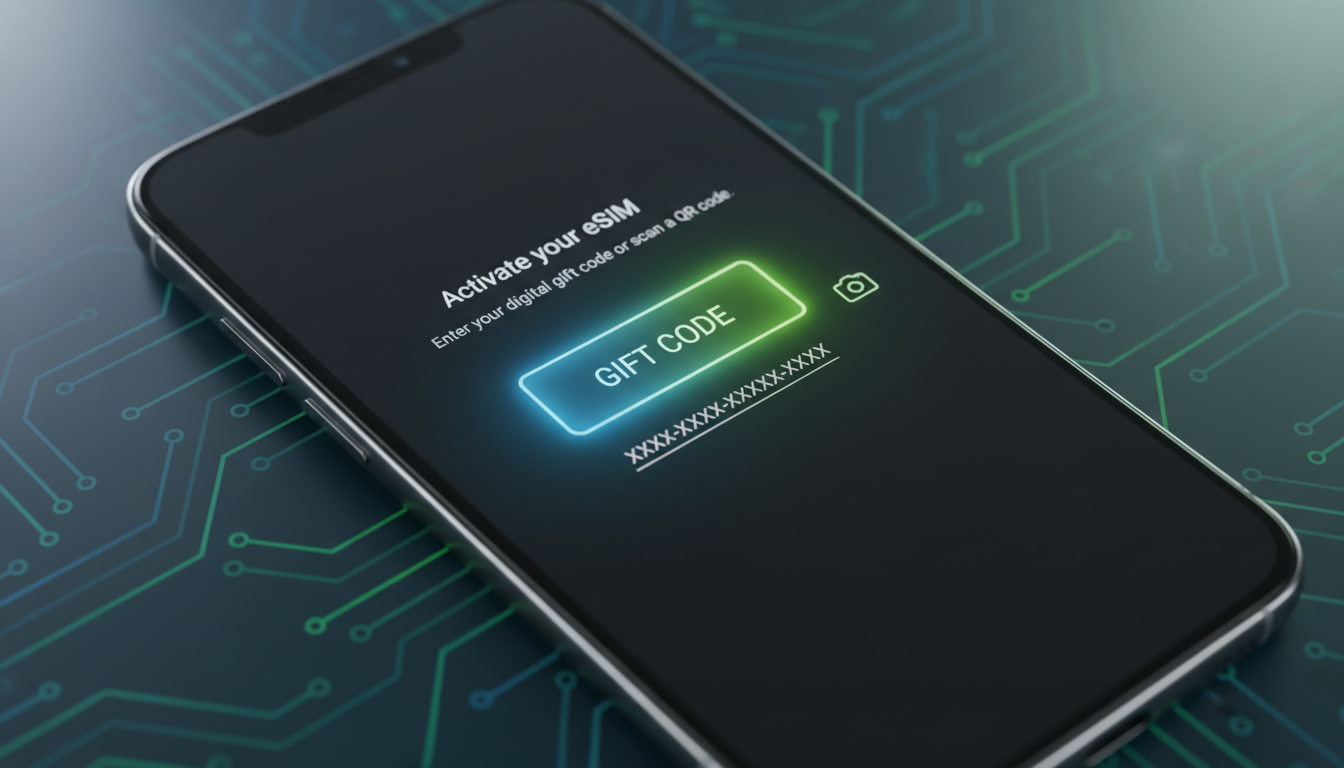
In short, what you'll discover in this article: Troubleshooting tips for activating an esim io gift code, step-by-step activation guidance, and solutions to common issues. Learn how to redeem your code smoothly and avoid activation pitfalls for seamless travel data access.
1. Introduction: What Is an Esim IO Gift Code and Why Use It?
An esim io gift code is a promotional or discount code that users can redeem to get benefits such as extra data, discounts, or bonuses when purchasing eSIM data plans from eSIM.io. These codes are popular among travelers who want to save money on international data plans or receive additional data without extra cost.
Using an esim io gift code can provide:
- Discounts on prepaid or pay-as-you-go eSIM plans
- Bonus data for international travel
- A convenient way to try eSIM.io services at a reduced price
However, activation can sometimes be tricky, which is why this guide focuses on troubleshooting common problems and ensuring you get the most out of your gift code.
2. Who Is This Guide For?
This guide is designed for:
- Travelers planning trips who want affordable and reliable international data
- Gift givers who want to offer eSIM plans as presents
- Businesses managing multiple eSIM codes for employees or clients
If you’re curious about how to use an esim io gift code effectively or facing issues during activation, this article will help you navigate those challenges.
3. Before You Start: Prerequisites
3.1 Compatible Devices
To use an esim io gift code, your device must support eSIM technology. Compatible devices include:
- iPhone models from iPhone XS and later (with iOS 12.1+)
- Android phones with eSIM support (Google Pixel 3 and newer, Samsung Galaxy S20 and newer)
- Minimum OS versions vary; ensure your device firmware is up to date
3.2 Network and Connectivity Requirements
A stable internet connection is essential during the activation process. You’ll need Wi-Fi or cellular data to:
- Access your esim.io account
- Redeem the gift code online
- Download the eSIM profile via QR code or manual entry
Make sure your device is not in airplane mode and has no network restrictions blocking eSIM downloads.
4. How to Obtain an Esim IO Gift Code
You can get an esim io gift code through several methods:
- Purchase from official promotions: Check esim.io’s coupons page for exclusive offers.
- Receive as a gift: Friends or family may share valid codes.
- Follow trusted social media channels: Sometimes influencers share limited-time codes (e.g., TikTok users promoting esim.io).
Best practices when obtaining a code:
- Verify the source to avoid scams.
- Check the validity period of the code.
- Confirm if the code applies to your desired data plan.
5. How to Activate an Esim IO Gift Code Step by Step
5.1 Step 1: Receive Your Code via Email or Message
After purchase or receipt, you should get a unique alphanumeric esim io gift code via email or SMS.
5.2 Step 2: Log In to Your Esim.io Account or Visit the Redemption Page
Go to esim.io and sign in with your credentials or create a new account if needed. Navigate to the redemption section dedicated to gift codes.
5.3 Step 3: Scan the QR Code or Enter the Code Manually
You will either:
- Scan a QR code provided alongside your gift code using your phone’s camera.
- Enter the alphanumeric gift code manually into the redemption field.
Follow on-screen prompts carefully.
5.4 Step 4: Verify Activation and Test Your Connection
Once redeemed, check that the eSIM profile appears in your device settings under cellular plans. Activate it and test connectivity by browsing or using apps requiring data.
6. Common Problems and Solutions (Troubleshooting)
6.1 Frequent Activation Errors and Fixes
-
Error: “Invalid Code”
Solution: Double-check for typos; codes are case-sensitive. Ensure you’re entering a current, unused code. -
Error: “Code Expired”
Solution: Gift codes often have expiration dates; confirm validity before use. -
Activation stuck or fails
Solution: Restart your device, ensure stable internet, and retry activation steps.
6.2 What To Do If Your Code Is Invalid or Expired
If your esim io gift code does not work:
- Contact esim.io support with proof of purchase.
- Check if there are alternative promo codes available.
- Consider purchasing directly without a code if urgent.
7. Security, Validity, and Terms (Transfer, Refunds)
Gift codes are usually:
- Non-transferable unless explicitly stated
- Valid only within specified time frames
- Subject to esim.io’s refund and cancellation policies
Always read terms carefully before redeeming a gift code to avoid surprises.
8. Quick Comparison: Gift Code vs QR Code vs Direct Purchase
| Method | Convenience | Discount Potential | Activation Complexity |
|---|---|---|---|
| Gift Code | Medium | High | Moderate |
| QR Code | High | Low | Easy |
| Direct Purchase | High | None | Easy |
Gift codes often offer better savings but may require extra steps during activation compared to scanning a QR code or buying directly.
9. Use Cases and Real Examples
9.1 Gifting an Esim for Travel
An esim io gift code makes an excellent present for friends traveling abroad, allowing them instant access to affordable data without roaming fees.
9.2 Managing Codes in Business or Bulk Purchases
Companies can distribute multiple esim io gift codes to employees traveling internationally, simplifying expense management while ensuring connectivity.
10. Useful Resources
For official support and tutorials:
- Visit eSIM.io official site
- Check out their coupons page for current deals
- Explore video guides on YouTube by searching “eSIM.io activation tutorial”
For verified promo codes beyond esim.io, consider checking esimvouchers.com for updated offers including those from providers like Airalo and Yesim.
11. Conclusion and Call to Action
Activating an esim io gift code can sometimes be challenging but following this step-by-step guide will help you overcome common issues quickly. To save on your next travel data plan, secure a valid gift code from trusted sources and redeem it carefully following the outlined process.
Ready to get started? Visit esimvouchers.com/blog/promo-code-esim for verified promo codes that can maximize your savings on eSIM plans today!
FAQ
How do I redeem an esim io gift code?
To redeem your esim io gift code, log in to your esim.io account or create one, then enter the code on the redemption page. You can scan the QR code or input the alphanumeric code manually and follow the prompts to activate your eSIM plan.
What should I do if my gift code shows as invalid?
If your gift code is invalid, double-check for typos and ensure it is case-sensitive. Confirm the code hasn’t expired and hasn’t been used before. If problems persist, contact esim.io support with proof of purchase for assistance.
Which devices support esim io gift code activation?
Devices compatible with esim io gift codes include iPhones from XS onward with iOS 12.1+, and Android phones like Google Pixel 3 or newer and Samsung Galaxy S20 or newer. Make sure your device firmware is updated to support eSIM technology.
Why does activation sometimes fail or get stuck?
Activation may fail due to unstable internet, device settings like airplane mode, or network restrictions blocking eSIM downloads. Restart your device, ensure a stable connection, and retry the activation steps to resolve these issues.
Can I transfer or refund an esim io gift code?
Typically, esim io gift codes are non-transferable and valid only within specified time frames. Refunds and cancellations depend on esim.io’s policies, so always review the terms before redeeming to avoid unexpected issues.

Emma Rossi
Emma is a travel and consumer-tech writer who hunts down the best deals for getting online abroad. At eSIM Vouchers she tracks verified coupons from the major providers and explains how to redeem them for the lowest price on travel data.