Troubleshooting Common Issues with Free eSIM Service Activation
10/13/2026
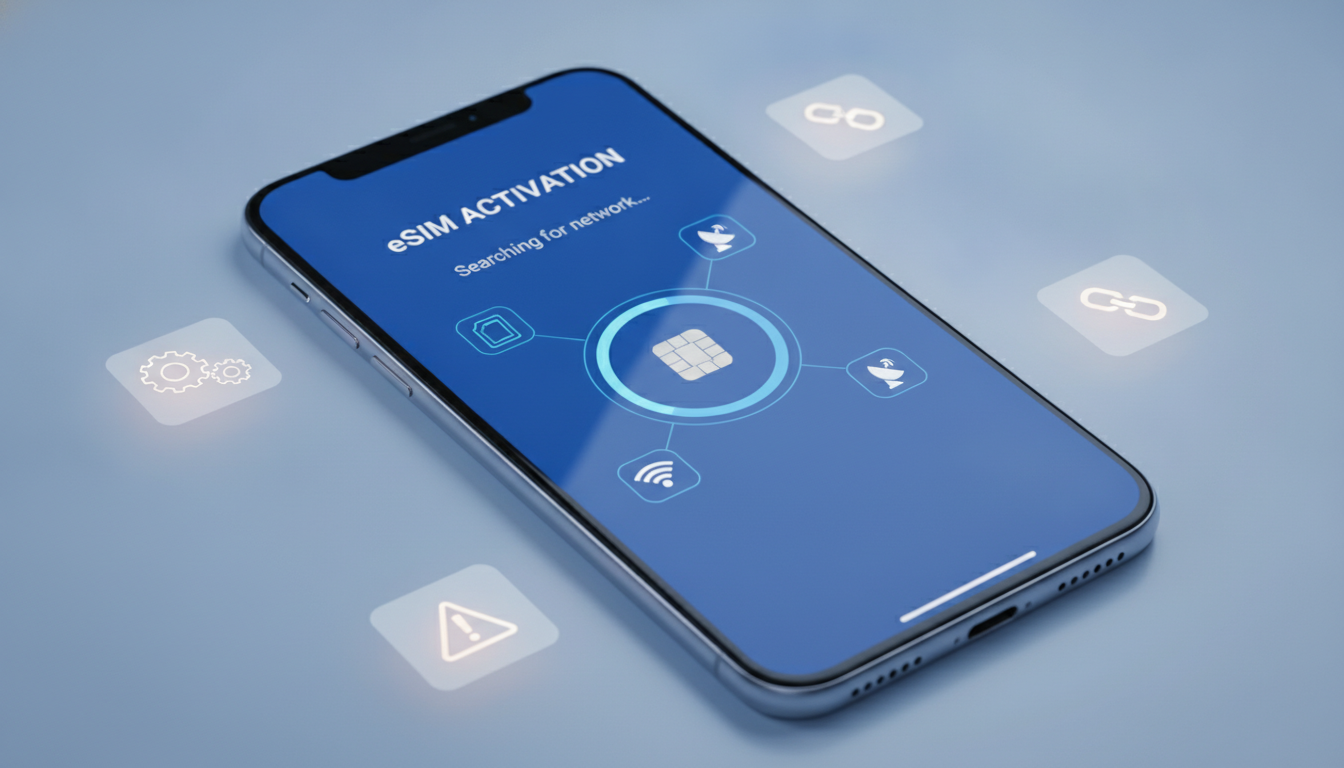
Troubleshooting Common Issues When Activating a Free eSIM Service
Activating a free eSIM service can seem straightforward, but several technical and procedural pitfalls often trip users up. Whether you’re trying to get a free eSIM for travel or testing out a free eSIM data plan on your smartphone, knowing what can go wrong—and how to fix it—is essential.
I always start by checking the compatibility of your device and the exact activation steps because skipping these basics is the most common cause of failure. Here’s what typically causes activation problems and how to get past them.
Why Your Free eSIM Activation Might Fail and How to Fix It
Device Compatibility and Carrier Restrictions
A frequent stumbling block is device compatibility. Not all smartphones support eSIM technology, and even among those that do, some carriers restrict activation to specific models or firmware versions.
For example, the iPhone 14 Pro US version does not have a physical SIM slot, so switching to an eSIM is mandatory, but the activation process differs from other models.
Field observation: If your phone’s firmware is outdated or locked to a carrier that doesn’t support eSIM provisioning, the activation QR code or manual setup will fail. This happens because the device’s modem firmware cannot recognize or accept the eSIM profile, leading to error messages like “Activation failed” or “Invalid SIM.”
How to fix it:
- Verify your phone model supports eSIM (Apple’s official site lists supported iPhones).
- Update your phone’s operating system to the latest version.
- Check if your carrier allows eSIM activation on your device model. For Free Mobile users, activation requires logging into your subscriber account and accessing the dedicated eSIM section as described on Free Mobile’s official guide.
Incorrect QR Code Scanning or Profile Download Errors
The core step in activating most free eSIM services is scanning a QR code or manually entering an activation code. A common trap is scanning the QR code with a camera app that doesn’t support eSIM profiles, or downloading the profile over an unstable internet connection.
Field observation: When scanning with a non-compatible app or on a poor network, the phone either fails to recognize the QR code as an eSIM profile or downloads an incomplete profile. This results in partial installation where the cellular plan appears but cannot connect.
How to fix it:
- Use your phone’s native camera app or built-in “Add Cellular Plan” feature under Settings > Cellular > Add Cellular Plan.
- Ensure you have stable Wi-Fi or mobile data during download; interruptions corrupt profile installation.
- If manual entry is required, double-check every character of the activation code—typos cause silent failures.
Activation Timing and Network Registration Delays
Some free eSIM providers require their servers to register your device after profile download before service becomes active. Attempting to use data immediately after installation can fail if registration is still processing.
Field observation: If you try connecting right after installing the profile, you might see “No Service” or “Searching” for several minutes due to delayed network provisioning on the operator’s side.
How to fix it:
- Wait at least 10–15 minutes after installation before testing connectivity.
- Restart your phone after installation; this triggers network re-registration.
- If problems persist, toggle Airplane Mode on and off to force network refresh.
How to Get and Activate a Free eSIM: Step-by-Step Guidance
Step 1: Choose Your Free eSIM Provider Carefully
Not all free eSIM services are equal—some offer limited trial data, others provide completely free plans without contracts. For example, Firsty.app offers a truly free eSIM with no contract or registration required for use in Germany and worldwide.
Before starting activation:
- Confirm your phone supports the provider’s eSIM format (GSMA specification SGP.22 governs remote eSIM provisioning).
- Check coverage maps and data limits for free plans; some only work in specific countries.
Step 2: Download Your Free eSIM Profile Correctly
Once you select a provider:
- Access their website or app and request your free eSIM profile.
- You’ll receive a QR code or manual activation details via email or app interface.
I always advise against using third-party QR scanners because they often don’t trigger the proper cellular plan installation prompt on iOS or Android.
Step 3: Activate on Your Smartphone
On iPhones (iOS 14+):
- Go to Settings > Cellular > Add Cellular Plan.
- Scan the QR code provided by your free eSIM service.
- Follow prompts to label your plan and set default data usage if you have multiple SIMs.
On Android phones (Android 10+):
- Go to Settings > Network & Internet > Mobile Network > Advanced > Carrier > Add Carrier.
- Scan QR code or enter details manually.
If you encounter errors during this step, check that you’re not trying to activate multiple profiles simultaneously—some phones limit active profiles to one per slot.
Common Mistakes That Cause Activation Failures
Overlooking Carrier Account Requirements
Some providers require you to have an active account with them before issuing an eSIM—even if it’s free. For instance, Free Mobile users must log into their subscriber area and order an eSIM replacement if switching from physical SIMs.
Skipping this step leads to invalid QR codes that won’t activate because they’re not linked to your account credentials.
Trying To Use Free eSIMs Without Proper Network Coverage
Free international eSIMs often rely on roaming agreements with local carriers. If you activate in an unsupported region, no connection will be possible despite successful profile installation.
Field observation: Activating a free international eSIM outside its supported zones results in constant “No Service” because roaming agreements are not universal; coverage depends on local operator partnerships.
Ignoring Device Settings That Block Activation
Settings like VPNs, airplane mode toggles left on accidentally, or restrictions on cellular data usage can prevent successful activation even if everything else is correct.
Always verify:
- Airplane mode is off during activation steps.
- VPN apps are disabled temporarily as they can interfere with carrier provisioning protocols (like SM-DP+ server communication).
Where To Find Reliable Free eSIM Services and Deals
While fully free unlimited data plans are rare, several providers offer trial plans with limited data at no cost:
| Provider | Offer Type | Coverage Area | Notes |
|---|---|---|---|
| Firsty.app | Free trial data plan | Germany & Worldwide | No contract, no registration |
| Free Mobile | Free replacement eSIM | France | Requires subscriber account |
| Nomad | Promo codes available | International | Discounts via MyBestSim codes |
For travelers looking for reliable deals beyond purely free options, I recommend consulting MyBestSim’s comparison tool which ranks providers like Yesim and Nomad by user rating and promo codes such as MYBESTSIM20 for up to 20% off unlimited plans.
You can also find verified discount vouchers on esimvouchers.com that reduce costs significantly when upgrading from free trials to paid plans.
What To Do If Your Free eSIM Still Won’t Activate
If none of these fixes work:
- Deactivate any existing SIM profiles temporarily—conflicts between physical SIMs and multiple active profiles can cause errors.
- Contact provider support with exact error messages; some issues stem from backend provisioning delays.
- Try another device if possible; this helps isolate whether it’s a device-specific problem.
- Check for software updates again—sometimes carriers release patches fixing known bugs in their provisioning servers.
- Use official apps from providers when available instead of third-party apps for downloading profiles; they often handle edge cases better.
Activation issues often boil down to one overlooked detail in this chain of steps—device compatibility, correct scanning method, network registration timing, or account status—so methodical troubleshooting pays off quickly.
FAQ
Why does my free eSIM activation keep failing?
Activation often fails due to device incompatibility, outdated firmware, or carrier restrictions. Ensure your phone supports eSIM, update its software, and verify your carrier allows eSIM activation on your model.
How can I correctly scan the QR code for eSIM activation?
Use your phone’s native camera or the built-in 'Add Cellular Plan' feature to scan the QR code. Avoid third-party scanners and ensure a stable internet connection during profile download to prevent errors.
What should I do if my eSIM shows ‘No Service’ after activation?
Wait 10–15 minutes for network registration after installing the profile. Restart your phone and toggle Airplane Mode to refresh network settings before trying to connect again.
Are there any account requirements before activating a free eSIM?
Yes, some providers require an active subscriber account before issuing an eSIM. For example, Free Mobile users must log in and order an eSIM replacement through their account to get a valid activation QR code.
Where can I find reliable free eSIM services for travel?
Providers like Firsty.app offer free trial data plans without contracts, while Free Mobile provides free replacement eSIMs in France. Check coverage and data limits before choosing a provider for your travel needs.

Emma Rossi
Emma is a travel and consumer-tech writer who hunts down the best deals for getting online abroad. At eSIM Vouchers she tracks verified coupons from the major providers and explains how to redeem them for the lowest price on travel data.