How to Get a Free eSIM Trial on Android in 2026
7/6/2026
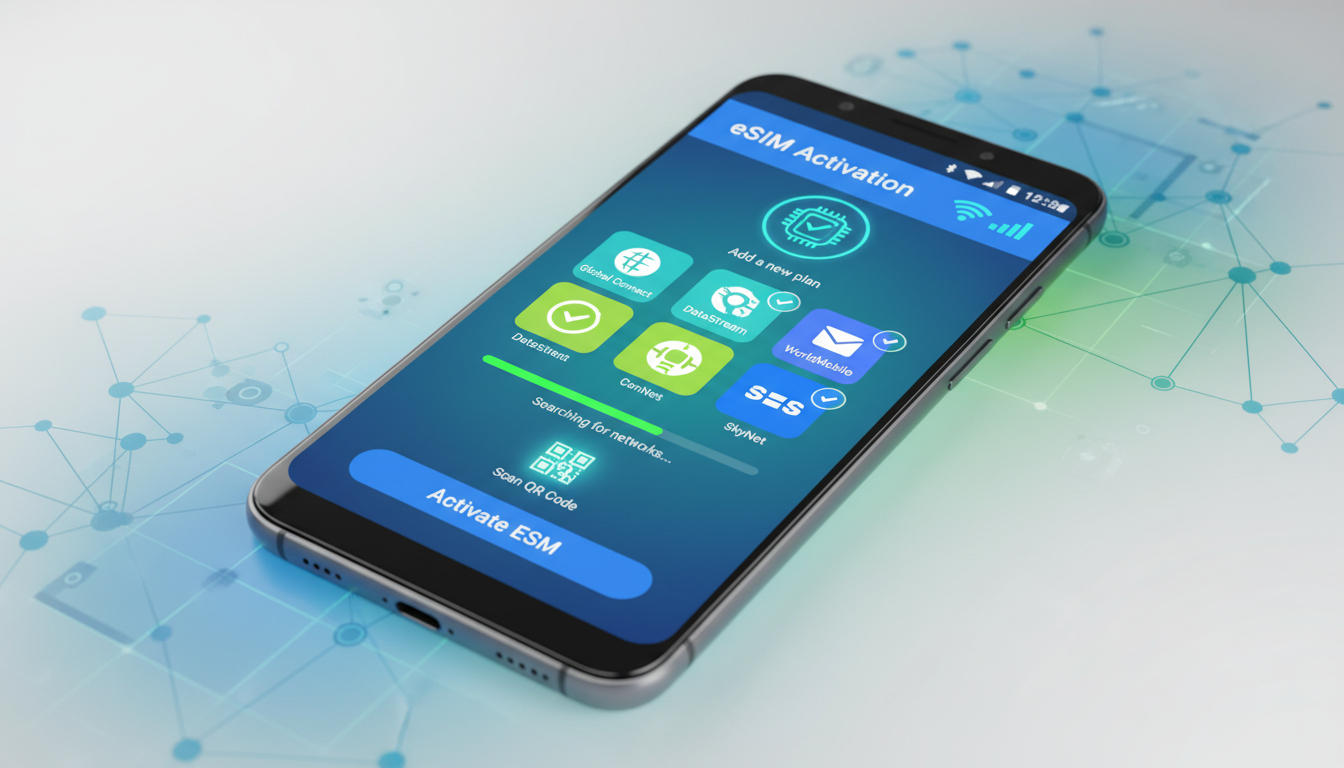
In short, what you'll discover in this article: Learn how to access a free eSIM trial on Android devices, explore top providers, and follow step-by-step activation guides. Get tips on managing eSIM profiles and troubleshooting common issues to test mobile data hassle-free before committing.
1. Introduction — What Is an eSIM and Why a Free eSIM Trial Can Be Useful
An eSIM (embedded SIM) is a digital SIM that allows you to activate a cellular plan without a physical card. It’s especially handy for Android users who want to switch carriers or travel internationally without swapping SIMs.
A free eSIM trial android lets you test mobile data services risk-free, helping you evaluate coverage, speed, and compatibility before purchasing a plan.
Trying a free eSIM trial can save money and prevent surprises during travel or carrier changes. It’s also a great way to explore this modern technology on your new Android phone without upfront costs.
2. Prerequisites Before Testing an eSIM on Android
2.1 Check Your Device Compatibility and Android Version
Not all Android phones support eSIM functionality. To ensure your device is compatible:
- Verify your phone model supports eSIM (popular models include Google Pixel 3 and above, Samsung Galaxy S20 and newer).
- Confirm your Android version is updated (usually Android 10 or later supports eSIM).
- Check carrier restrictions that might limit eSIM use.
2.2 Backup and Prepare Your Primary SIM (Precautions)
Before activating an eSIM trial:
- Backup important contacts and messages stored on your physical SIM.
- Understand that activating an eSIM profile might temporarily affect your current SIM service.
- Keep your physical SIM accessible in case you need to revert quickly.
3. How to Get a Free eSIM Trial — Options and Providers
3.1 Quick List by Provider Type
You can find free eSIM trials from various sources:
- Major carriers offering limited-time trials (e.g., T-Mobile’s 30-day free trial with no commitment).
- Mobile Virtual Network Operators (MVNOs) providing short-term data trials.
- International eSIM services like Nomad or esimfree.org offering free data trials in multiple countries.
3.2 What to Check in a Trial Offer
When choosing a free trial, consider:
- Trial duration (from a few days up to 30 days).
- Data allowance (usually between 1GB to 5GB).
- Voice call availability or data-only plans.
- Any limitations such as speed throttling or restricted destinations.
For example, Nomad offers a free 1GB data trial valid for 3 days across 76 destinations with no credit card required, ideal for travelers testing coverage (Nomad free trial).
4. Step-by-Step Guide: Activating a Free eSIM Trial on Android
4.1 Method 1 — Installation via QR Code
- Receive the QR code from your provider via email or app.
- On your Android phone, go to Settings > Network & Internet > Mobile Network > Add Carrier.
- Scan the QR code when prompted.
- Follow on-screen instructions to download and activate the profile.
- Confirm activation by checking signal bars or data connectivity.
4.2 Method 2 — Installation via Provider App
- Download the provider’s official app from Google Play Store.
- Sign up or log in and select the free trial offer.
- Follow prompts within the app to install the eSIM profile directly.
- Activate the profile through the app interface.
4.3 Method 3 — Installation via Activation Code / SM-DP+ Address (Advanced Users)
- Obtain the SM-DP+ address and activation code from the provider.
- Navigate to Settings > Mobile Network > Add Carrier > Enter Manually.
- Input the SM-DP+ address and activation code as requested.
- Complete installation following device prompts.
5. Using and Managing eSIM Profiles on Android
5.1 Switching Between eSIM and Physical SIM
Android allows easy toggling between SIM profiles:
- Go to Settings > Network & Internet > Mobile Network.
- Select which SIM is active for calls, texts, or data.
- Switch between your physical SIM and active eSIM as needed.
5.2 Renaming and Prioritizing Lines, Data/Voice Settings
You can personalize your lines for clarity:
- Rename each SIM profile for easy identification.
- Set default line for mobile data or voice calls under network settings.
- Prioritize one line over another depending on usage needs.
6. Troubleshooting Common Issues
6.1 QR Code Not Recognized or "Profile Not Accepted"
- Ensure QR code is clear and not expired.
- Restart your phone before scanning again.
- Confirm device compatibility with provider’s network.
6.2 No Network After Installation / Dual SIM Conflicts
- Check if airplane mode is off.
- Verify correct line is set as default for data/voice.
- Remove conflicting profiles if multiple active lines cause issues.
6.3 Manufacturer-Specific Errors (Samsung, Google Pixel, Xiaomi)
Some brands have unique quirks:
- Samsung may require carrier unlock or software update.
- Google Pixel supports straightforward activation but check region restrictions.
- Xiaomi devices sometimes need manual APN configuration after installation.
7. Security and Privacy During an eSIM Trial
7.1 How to Completely Delete an eSIM Profile
To remove an unwanted profile:
- Go to Settings > Network & Internet > Mobile Network.
- Select the eSIM profile you want to delete.
- Tap Remove or Delete Profile.
- Confirm deletion to erase all associated data securely.
7.2 Risks and Best Practices (Sharing QR Codes, Backups)
Avoid sharing QR codes publicly as they grant access to your mobile plan. Always keep backup copies of activation details privately stored in case you need reinstallation.
8. Quick Comparison — Free eSIM Trial vs Other Options (Prepaid, Roaming)
| Option | Cost | Flexibility | Setup Speed | Use Case |
|---|---|---|---|---|
| Free eSIM Trial | $0 | High | Instant | Testing coverage & travel |
| Prepaid Physical SIM | Varies | Medium | Moderate | Local use & long-term plans |
| Roaming Plans | Often expensive | Medium | Instant | Short trips abroad |
Free trials offer risk-free testing without commitment, unlike prepaid plans requiring upfront payment or roaming plans that can be costly.
9. Use Cases and Practical Recommendations
9.1 Short-Term Travel / Testing Network Coverage
A free eSIM trial is perfect for travelers wanting quick access to local networks without buying physical SIM cards at every destination.
9.2 Testing a Carrier Before Porting Your Number
Use a free trial to evaluate network quality before switching carriers permanently, avoiding surprises with coverage or speed.
10. Conclusion and Call-to-Action
Trying a free esim trial android is an excellent way to explore new mobile connectivity options without financial risk. By following this guide, you can activate trials smoothly, manage profiles efficiently, and troubleshoot common issues confidently.
Ready to test your first free eSIM? Discover verified offers at esimvouchers.com for trusted providers like Nomad and T-Mobile with exclusive deals backed by MyBestSim insights!
FAQ
How do I activate a free eSIM trial on Android?
To activate a free eSIM trial on Android, scan the provider’s QR code via Settings > Network & Internet > Mobile Network > Add Carrier, or use the provider’s app to install the eSIM profile. Follow on-screen prompts to complete activation and confirm connectivity.
Which Android phones support free eSIM trials?
Most Android phones running Android 10 or later support eSIM, including Google Pixel 3 and newer models, Samsung Galaxy S20 and above. Always check your device’s compatibility and carrier restrictions before starting a free eSIM trial.
What should I check before starting a free eSIM trial?
Before starting, ensure your device supports eSIM, back up contacts from your physical SIM, and be aware that activating an eSIM profile might temporarily affect your current SIM service. Keep your physical SIM handy in case you need to switch back.
Can I switch between my physical SIM and eSIM easily?
Yes, Android allows easy switching between physical SIM and eSIM profiles. Go to Settings > Network & Internet > Mobile Network to select which SIM is active for calls, texts, or data, and rename profiles for clarity.
What are common issues when activating a free eSIM trial?
Common issues include QR codes not being recognized, no network after installation, or conflicts with dual SIM setups. Restarting your phone, verifying device compatibility, and checking default line settings usually resolve these problems.

Emma Rossi
Emma is a travel and consumer-tech writer who hunts down the best deals for getting online abroad. At eSIM Vouchers she tracks verified coupons from the major providers and explains how to redeem them for the lowest price on travel data.