NadaNada eSIM Activation Not Working? Fixes for 2026
11/11/2026
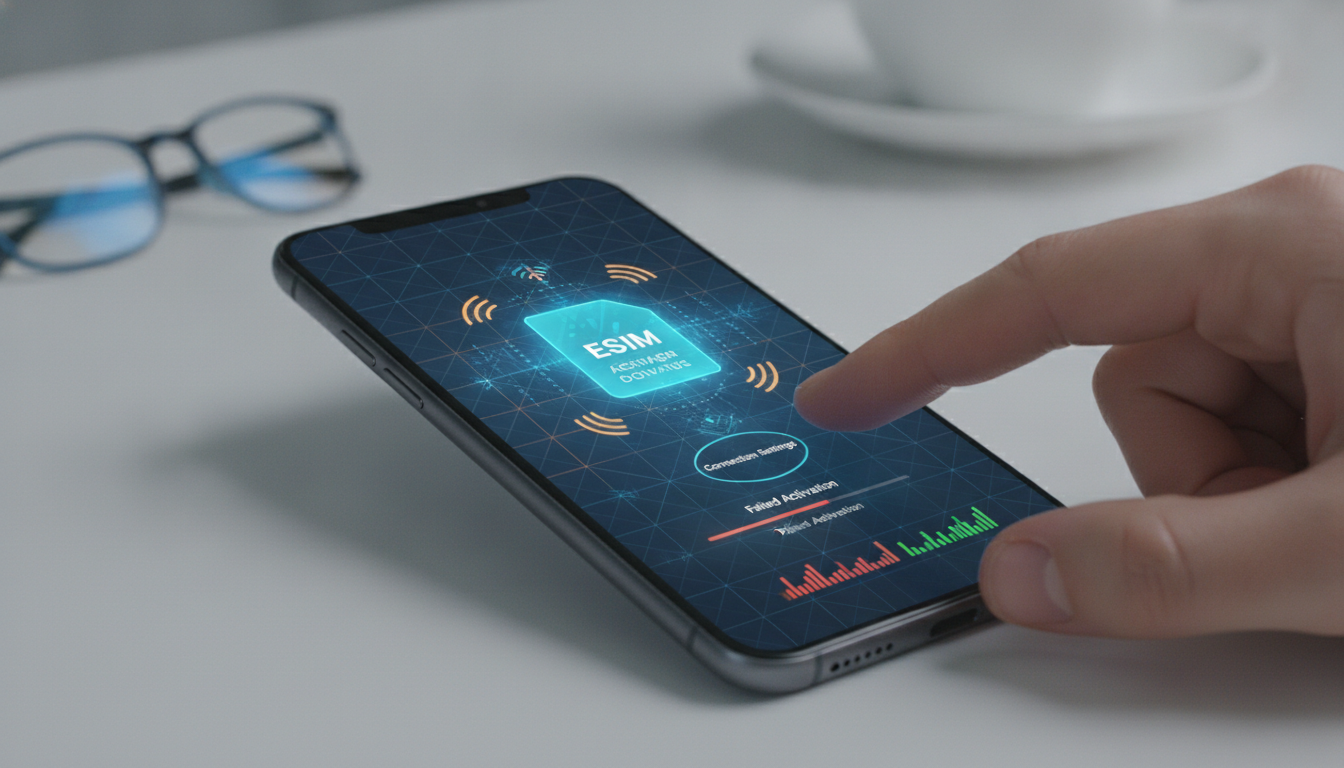
A Nadanada eSIM activation failure usually comes from one of four points: an incompatible or carrier-locked phone, a QR code that has already been used, mobile data assigned to the wrong SIM, or roaming disabled for the Nadanada line. Nadanada sells data-only eSIM plans in more than 200 countries and regions, and the MyBestSim listing shows a 1 GB, 7-day plan at $0.99 for destinations including Australia, Austria, New Zealand, Vatican City, and Denmark.
| Nadanada detail | Verified information |
|---|---|
| Service type | Data-only eSIM |
| Destinations | 200+ countries and regions |
| Sample allowance | 1 GB |
| Sample validity | 7 days |
| Sample price | $0.99 |
| Hotspot | Supported |
| Top-up | Supported |
| Identity verification | Not required, according to Nadanada’s published information |
| MyBestSim rating | 4.2/5 |
| MyBestSim rank | 13 |
| Available code | MYBESTSIM for 15% off |
Check the phone before trying Nadanada eSIM activation
The first test is not the QR code. It is whether the phone can accept an eSIM at all.
Confirm eSIM support and carrier unlock
On an iPhone, open Settings > General > About and look for an EID. On many Android phones, the eSIM control appears under Settings > Network & internet > SIMs, although the menu name varies by manufacturer and Android version.
The EID is the device identifier used for eSIM provisioning; if the phone has no EID and no “Add eSIM” option, the Nadanada profile cannot be installed on that handset.
A second condition is carrier unlocking. A phone may display eSIM menus while still refusing a plan from another network.
Apple states that an iPhone must show “No SIM restrictions” under its carrier-lock information before it can freely use another operator’s SIM. If a carrier lock is present, changing APN settings will not solve the problem.
I’d advise against deleting an installed profile just because the phone shows “No Service.” That removes the local troubleshooting evidence and may make a delivered profile harder to restore. First check whether the line is enabled, whether data roaming is on, and whether the phone is attached to a supported network.
Install with a stable connection
Nadanada’s installation requires an internet connection to download the carrier profile. Use reliable Wi-Fi, keep the phone above 20% battery, and do not leave the QR-code screen before the installation finishes.
If the QR code is displayed on the same phone, use the device’s option to add an eSIM from a saved image or enter the activation details manually if Nadanada provides them.
The underlying framework is defined by the GSMA SGP.22 specification, which governs remote SIM provisioning for consumer devices. The QR code does not contain a permanent data plan by itself; it carries information that lets the device contact the provisioning system and download the profile.
What to do when the QR code fails
A failure message needs to be interpreted carefully. “Unable to activate” and “eSIM already in use” do not mean the same thing.
“Unable to activate” or “Could not complete setup”
Use this order:
- Connect to Wi-Fi and restart the phone.
- Confirm that the handset is unlocked and eSIM-compatible.
- Open the cellular settings and check that the Nadanada line is switched on.
- Set Nadanada as the mobile-data line.
- Enable data roaming for the Nadanada line.
- Turn off automatic network selection temporarily and test an available network.
- Recheck the APN only against the values supplied by Nadanada support.
- Restart the phone after the profile appears in the SIM list.
The important distinction is between installing the profile and connecting to service. If the Nadanada line appears in the SIM settings but shows no data, installation probably succeeded; the remaining issue is network selection, roaming, APN configuration, or destination coverage.
When two SIMs are active, the phone may keep using the home SIM for data even though Nadanada is installed. That condition produces the particularly confusing result of a visible eSIM with no Nadanada usage.
I always start by selecting the travel eSIM as the data line, then disable automatic switching between SIMs so the phone cannot silently revert to the primary line.
“Already installed” or “Code has been used”
Do not scan the same QR code repeatedly. A profile can remain installed even after the first setup attempt appears unsuccessful.
Look in the SIM list for a disabled, unnamed, or secondary line. If it exists, enable it rather than starting another installation.
If the profile was deleted, contact Nadanada support with the order information and the exact error text. Nadanada’s terms state that eSIM purchases are generally non-refundable once the profile has been delivered and used, while technical problems should be directed to support.
That makes the original QR code, purchase receipt, device model, and screenshots useful evidence.
Make the installed Nadanada line connect
Once the profile is visible, troubleshoot connectivity rather than installation.
Select the correct line and roaming setting
Set the Nadanada profile as the mobile-data SIM. Keep calls and SMS on the primary SIM if needed, but disable data switching.
Then enable roaming on Nadanada. This does not necessarily mean roaming on the home line; it is the travel eSIM’s permission to use a partner network outside its issuing network.
A common field failure occurs when roaming is enabled on the home SIM but not on the travel line. The phone then displays signal bars from the home SIM while the Nadanada profile remains unable to pass data.
The concrete consequence is that messaging may work briefly on Wi-Fi, leading you to blame the eSIM when the wrong line is actually selected.
If the signal indicator stays empty, move outdoors or away from thick concrete and try manual network selection. In a border area, the phone can attach to a neighboring country’s network, which may not be included in the plan.
Returning to automatic selection is sensible after testing, because leaving a weak manual network locked can make the connection disappear when you move.
Check the plan, allowance, and destination
Nadanada plans are data-only, so they do not provide a normal mobile number for voice calls or SMS. Messaging apps, maps, email, and browsing can work through data, but bank verification codes may still be sent to the primary SIM.
Nadanada states that hotspot use is supported and that plans can be topped up. Its published information also says that bundles can queue, which matters when buying another plan before the current allowance expires.
Do not assume that a queued bundle is already active: check the account or activation details and confirm which plan is currently consuming data.
For a low-use trip, the listed 1 GB over 7 days may cover maps, messaging, and light browsing if automatic photo backups and video autoplay are disabled. Video calls, cloud synchronization, and navigation with large offline-map downloads can consume that allowance quickly.
I would set a low-data mode, restrict background refresh, and download essential maps over Wi-Fi before departure.
Use the Nadanada discount without confusing it with activation
The MyBestSim listing gives Nadanada a 4.2/5 rating, places it at rank 13, and lists the code MYBESTSIM with a stated 15% discount. Apply the code during checkout rather than inside the phone’s cellular settings; a coupon reduces the purchase price but does not repair a failed installation.
If you are comparing Nadanada eSIM pricing, the verified eSIM voucher codes page is the natural place to check whether the displayed promotion is still available before paying. For a broader travel-data decision, the international eSIM voucher comparison can help you compare plan terms rather than choosing solely by headline price.
Before leaving Wi-Fi, test one real action: turn Wi-Fi off, open a webpage, send a message, and check that the cellular-data indicator changes. If that test fails after the Nadanada profile is installed, save screenshots of the SIM settings, network name, APN screen, and error message before contacting support; those details identify whether the failure is provisioning, network registration, or data routing.
FAQ
Why is my Nadanada eSIM unable to activate?
A Nadanada eSIM may fail when the phone lacks eSIM support, remains carrier-locked, or cannot access a stable internet connection. Check for an EID, confirm “No SIM restrictions” on iPhone, connect to reliable Wi-Fi, and restart the device before scanning the QR code again.
How can I fix a Nadanada QR code error?
Avoid repeatedly scanning a QR code after an unsuccessful attempt, because the profile may already be installed. Open the phone’s SIM settings and look for a disabled or unnamed line. If the profile is missing, contact Nadanada support with your order details and the exact error message.
Why does Nadanada show signal but provide no data?
The phone may have installed Nadanada but assigned mobile data to the primary SIM. Select Nadanada as the data line, disable automatic data switching, and enable roaming specifically for that eSIM. Then restart the phone and test a webpage with Wi-Fi turned off.
How do I choose a network for Nadanada?
Leave network selection automatic unless the phone cannot register with a partner network. If there is no service, temporarily choose an available supported network manually and test the connection. In border areas, avoid networks from neighboring countries that may fall outside your Nadanada destination coverage.
What should I check before contacting Nadanada support?
Confirm the profile, data line, roaming setting, network name, APN, and remaining allowance before requesting help. Capture screenshots of the SIM settings and error message, and include your device model, destination, order information, and troubleshooting steps so support can identify the failure more quickly.

Emma Rossi
Emma is a travel and consumer-tech writer who hunts down the best deals for getting online abroad. At eSIM Vouchers she tracks verified coupons from the major providers and explains how to redeem them for the lowest price on travel data.