How to Fix Syma eSIM Activation Issues for Easy Setup
10/24/2026
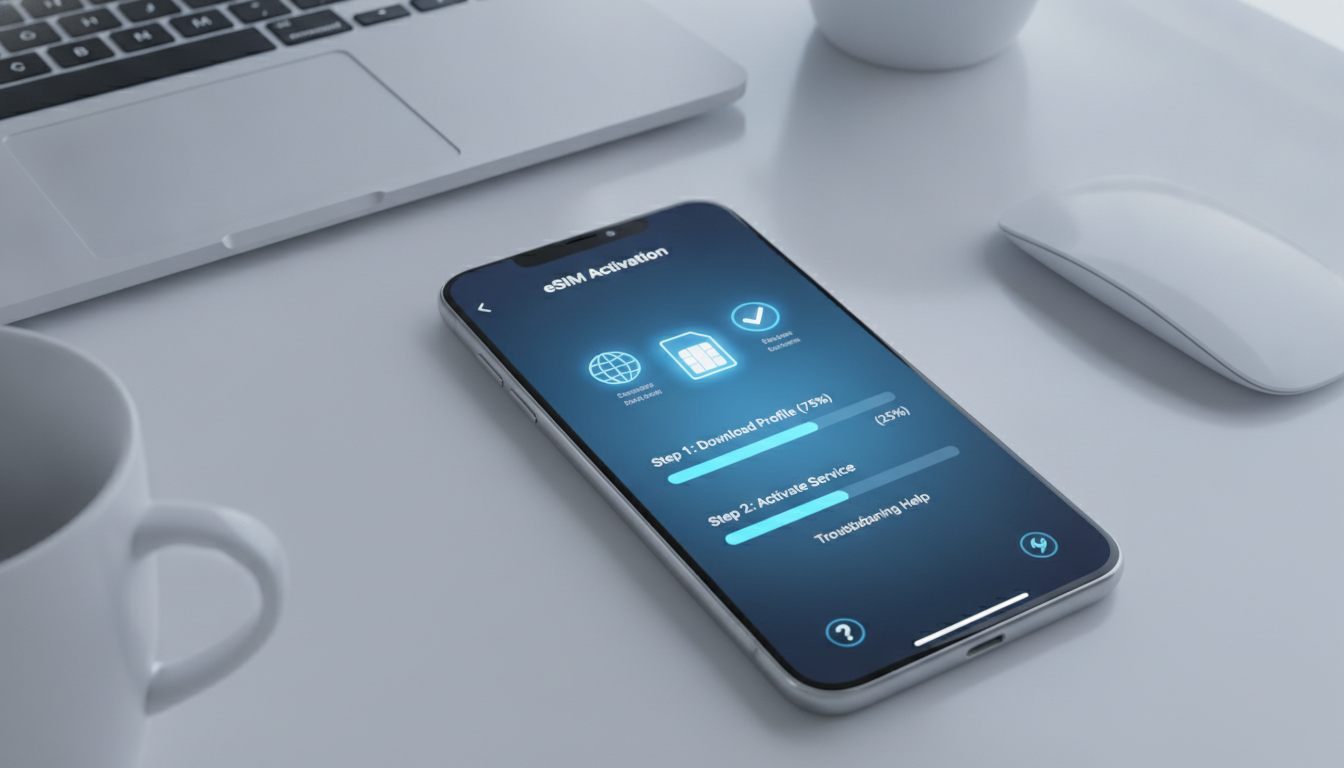
Troubleshooting Syma eSIM Activation Issues for Seamless Mobile Connectivity
Activating a Syma eSIM can be a straightforward way to get mobile data without swapping physical SIM cards, especially when traveling. However, several common pitfalls can block activation and frustrate users.
Understanding these issues and how to resolve them ensures you get your Syma eSIM working quickly and reliably.
Common Activation Problems with Syma eSIM and How to Fix Them
Incompatible Device or Software Version
One frequent cause of failed Syma eSIM activation is device incompatibility. The Syma eSIM requires a smartphone or device that supports eSIM technology and runs on compatible software versions.
For example, many Android devices need at least Android 10 or later, while iPhones require iOS 12.1 or newer for eSIM support.
If your device does not meet these minimum requirements, the activation process will not complete because the system cannot recognize or install the eSIM profile. I always start by verifying device compatibility before purchasing a Syma eSIM plan to avoid this trap.
How to check compatibility:
- On iPhone, go to Settings > General > About and check the iOS version.
- On Android, check Settings > About Phone > Software Information.
- Confirm your device model supports eSIM by consulting the manufacturer’s website or Syma Mobile’s official documentation.
Incorrect QR Code Scanning or Profile Installation
The Syma eSIM activation typically involves scanning a QR code provided after purchase. A common mistake is scanning the QR code with a camera app that does not trigger the correct eSIM installation prompt.
Alternatively, some users try to manually enter activation details without following the exact steps.
The mechanism here is that the QR code contains a profile encoded according to GSMA specification SGP.22 for remote SIM provisioning. If the scanning app does not handle this standard properly, the profile won’t install, causing activation failure.
How to avoid this:
- Use your device’s native camera app or the dedicated Syma Mobile app for scanning.
- Follow the official Syma eSIM setup guide step-by-step.
- Avoid third-party QR scanners that may not support eSIM provisioning.
Network Coverage and Profile Download Delays
Syma eSIM activation requires downloading the operator profile over an internet connection. If you attempt activation in an area with poor or no internet access, the download stalls or fails.
This is especially common in remote locations or when switching from Wi-Fi to cellular during setup.
The condition is limited connectivity -> mechanism is profile download interruption -> consequence is incomplete activation.
To fix this:
- Ensure you have stable Wi-Fi or cellular data before starting activation.
- Disable VPNs or firewalls that might block profile download.
- Retry activation in an area with confirmed internet access.
Understanding Syma eSIM Plans and Pricing for Activation Success
Syma Mobile offers several plans tailored for different user needs, all accessible via their My Syma platform and app. Knowing what plan you have and its conditions can prevent activation confusion.
| Plan Name | Data Allowance | Price (€/month) | EU/DOM Data Included | Network Coverage |
|---|---|---|---|---|
| Le Sept | 150 GB 5G | €7.99 | 24 GB | SFR network |
| Le Neuf | Variable | Variable | Variable | SFR network |
| Le Douze | Variable | Variable | Variable | SFR network |
| Le Quinze | Variable | Variable | Variable | SFR network |
Prices and details from official Syma Mobile sources as of 2026.
Activation issues sometimes arise when users purchase a plan but do not activate it correctly within its validity period—Syma plans are valid for one month from subscription or renewal date according to their general terms of use. Missing this window can cause service denial even if the eSIM profile installs correctly.
Steps to Properly Activate Your Syma eSIM Without Errors
Step 1: Purchase Your Syma eSIM Plan
Buy your plan directly from the official Syma Mobile website or authorized resellers. After purchase, you will receive a QR code linked to your specific data package.
Step 2: Confirm Device Compatibility and Prepare Your Phone
Before scanning, ensure:
- Your phone supports eSIM (check model and OS version).
- You have a stable internet connection.
- No active physical SIM conflicts (some devices require removing physical SIMs during activation).
Step 3: Scan the QR Code Using Supported Methods
Use either:
- The native camera app on your phone (iPhone or Android).
- The My Syma app available on Google Play Store, which centralizes account management and eases activation steps.
Scanning triggers automatic download of your operator profile per GSMA SGP.22 standards.
Step 4: Follow On-Screen Prompts to Complete Setup
After scanning:
- Confirm installation of the new cellular plan.
- Set default data usage preferences if prompted.
- Restart your phone if required to finalize activation.
Step 5: Test Connectivity and Monitor Your Data Usage
Once activated:
- Verify you can connect to mobile data via Syma’s network (SFR in France).
- Use My Syma app to track daily data consumption and manage your wallet balance.
Field Observations on Activation Pitfalls and Their Consequences
-
Condition: Attempting activation with an outdated OS version -> Mechanism: Device firmware lacks necessary APIs for remote SIM provisioning -> Consequence: Activation fails silently without error messages, leaving users confused about next steps.
-
Condition: Scanning QR code with unsupported third-party apps -> Mechanism: Apps do not parse GSMA SGP.22 profiles correctly -> Consequence: Profile download never starts; user sees no prompt to install cellular plan.
-
Condition: Starting activation in low-internet zones -> Mechanism: Profile download times out due to poor connectivity -> Consequence: Partial installation corrupts profile; mobile data remains inactive until reactivation in better coverage area.
Evaluating Syma eSIM Benefits Versus Common Activation Challenges
Syma eSIM offers clear benefits such as avoiding physical SIM swaps, access to affordable plans like Le Sept at €7.99/month with 150 GB on SFR’s 5G network, and convenient management through their My Syma app. However, these advantages come with technical requirements that can trip up less experienced users during setup.
I’d advise against rushing through activation steps without confirming device readiness because once an incorrect profile installs, removing it requires navigating device settings that vary widely by manufacturer—a process prone to errors if done hastily.
For travelers planning ahead, comparing Syma’s offerings with other verified providers on platforms like MyBestSim helps ensure you pick a plan that fits your destination’s coverage needs and budget constraints without surprises during setup.
Troubleshooting Tips When Activation Still Fails
If you encounter persistent issues after following all steps:
- Restart your device before retrying activation.
- Remove any previously installed conflicting profiles in Settings > Cellular Plans.
- Reset network settings (note this deletes saved Wi-Fi passwords).
- Contact Syma Mobile customer support via their official site or My Syma app for personalized assistance.
For additional guidance on choosing reliable travel data options beyond Syma, I recommend checking out detailed comparisons of international plans such as those curated at esimvouchers.com/blog/best-esim-data-plans-for-algeria-travelers-in-2024 where real user feedback helps clarify what works best in practice.
Leveraging Verified Voucher Codes for Affordable Data Packages
While activating your Syma eSIM plan, consider exploring verified voucher codes from top providers listed by MyBestSim for discounts on unlimited data packages from providers like Roamic (-10%), Airalo (-10%), and Simbye (-20%). These promotions can significantly reduce roaming costs when traveling internationally without compromising connectivity quality.
Using such vouchers requires entering promo codes during purchase—always verify validity dates and terms directly on esimvouchers.com/blog/best-verified-esim-voucher-codes-for-international-travel-data-discounts before applying them to avoid errors during checkout.
By focusing on these troubleshooting insights and preparation steps, you can avoid common pitfalls that block successful Syma eSIM activations and enjoy seamless mobile connectivity wherever you go.
FAQ
How do I check if my device supports Syma eSIM?
To verify device compatibility, check your phone’s OS version and model. iPhones need iOS 12.1 or later, while Android devices require Android 10 or newer. Consult your device settings or the manufacturer’s website to confirm eSIM support before purchasing a Syma eSIM plan.
What should I do if the Syma eSIM QR code won’t scan properly?
Use your phone’s native camera app or the official My Syma app to scan the QR code. Avoid third-party scanners that may not support eSIM profiles. Follow Syma’s setup guide carefully to ensure the profile installs correctly and activation completes.
Why does Syma eSIM activation fail in low internet areas?
Activation requires downloading the operator profile over a stable internet connection. Poor or no connectivity interrupts this download, causing activation to fail. Ensure you have reliable Wi-Fi or cellular data before starting the process to avoid interruptions.
How long is a Syma eSIM plan valid after purchase?
Syma eSIM plans are valid for one month from the subscription or renewal date. Activating your plan within this period is essential; otherwise, service may be denied even if the eSIM profile installs correctly.
What steps can I take if Syma eSIM activation still fails?
Try restarting your device, removing conflicting cellular profiles, and resetting network settings. If problems persist, contact Syma Mobile customer support via their official website or My Syma app for personalized help.

Emma Rossi
Emma is a travel and consumer-tech writer who hunts down the best deals for getting online abroad. At eSIM Vouchers she tracks verified coupons from the major providers and explains how to redeem them for the lowest price on travel data.